
Keep Your Call Reporting Through the Move to Webex Calling.
Stay in the Cisco ecosystem while gaining cloud flexibility, Customer Experience features, and enterprise-grade analytics — extended with ISI queue analytics for Webex Calling.

Cisco’s cloud calling platform, Webex Calling, gives CUCM customers a clear modernization path — without leaving the Cisco ecosystem. With built-in Customer Experience features, simplified IT operations, and Cisco’s own self-service migration tools in Control Hub, the transition is more accessible than ever.
But moving to the cloud also means adapting to a new reporting reality. Native Webex Control Hub analytics have significant limitations — and that’s where ISI Analytics fills the gap.
Leverage existing Cisco expertise and vendor relationships while moving to the cloud.
Cisco provides self-service migration tools built into Control Hub at no additional cost, including automated firmware migration licensing.
Webex Customer Assist delivers contact center-like capabilities — without the complexity or cost of UCCX.
Voice, video, messaging, and collaboration in one cloud-native solution managed from Control Hub.
Cisco's Flex Plan lets you run CUCM and Webex Calling simultaneously under one subscription for phased migrations at your own pace.
Eligible Cisco 7800 and 8800 Series IP phones can be converted to multiplatform phone (MPP) firmware for Webex Calling.

Moving to Webex Calling unlocks Customer Experience capabilities that previously required a full UCCX deployment. Webex Calling Professional includes basic Auto Attendants and Call Queues. Adding Customer Experience Basic (included free) gives you Voice Queues with skills-based routing and agent management. Stepping up to CX Essentials adds real-time agent monitoring, supervisor whisper/barge, screen pop, and historical analytics.
For organizations migrating from CUCM + Hunt Groups or CUCM + UCCX, Webex CX Essentials provides the core contact center capabilities most teams actually need — without the infrastructure overhead.
| Feature | CUCM + Hunt Groups | CUCM + UCCX | Webex CX Basic (Free) | Webex CX Essentials |
|---|---|---|---|---|
Auto Attendants | Limited | |||
Call Queues | Basic | |||
Skills-Based Routing | ||||
Agent Status Management | ||||
Real-Time Dashboards | CUIC | Limited | ||
Historical Analytics | 3 months | 13 months (Pro Pack) | ||
Supervisor Monitor/Whisper/Barge | ||||
Bounced Call Handling | ||||
Customer Callback |
Webex Calling is a powerful platform — but its native reporting in Control Hub has real limitations that affect day-to-day operations.

Control Hub keeps about 13 months of history, but a single export is capped at 31 days on Standard licenses or 92 days on Pro Pack.
Everyone sees the same data. There’s no clean way to give users a view that’s scoped to their responsibility.
Dashboards are static. When a metric looks off, you can’t click into it to investigate.
Webex provides essentially one primary call queue report, built for high-level summaries.
Reports routinely take 10–15 minutes to generate, sometimes longer.
You can’t validate field selections before running a report. Building a useful report becomes trial and error — run, wait 10 minutes, adjust, repeat.
Detail reports can’t be easily tailored to specific use cases. Customization options are narrow, and nontechnical users need training to use the reports effectively.
You can’t follow a single call end-to-end across auto attendants, queues, transfers, and final outcome.
Control Hub can’t combine Webex Calling data with CUCM data, creating a reporting gap in mixed environments.
No notifications for 911 calls, threshold breaches, or anomalous patterns.
Keep 13+ months of call data in one place, without the 31- or 92-day export caps of Control Hub. Meet compliance requirements and enable meaningful year-over-year trend analysis. ISI offers unlimited data retention options for organizations with long-term regulatory needs.

See the complete path of every call — from auto attendant entry through queue routing, transfers, holds, and final disposition. Identify exactly where callers drop off, spot problematic routing patterns, and measure the full caller experience end-to-end. This visibility simply doesn’t exist in native Control Hub reporting.
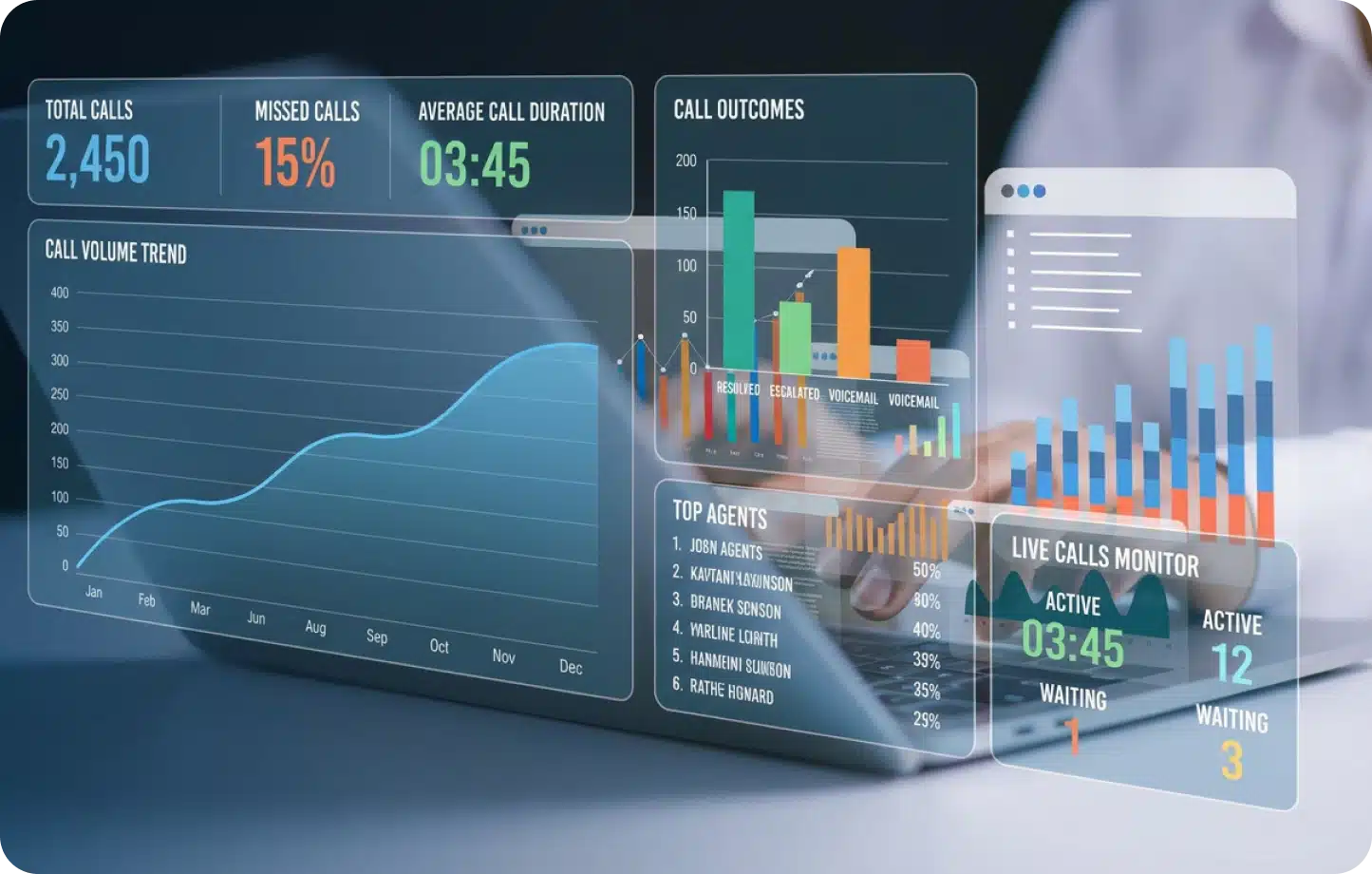
ISI is the only analytics platform that lets you report on CUCM and Webex Calling simultaneously — critical during phased migrations. Maintain a single pane of glass across mixed environments, with no reporting gaps as you transition users and devices. Post-migration, ISI seamlessly shifts to Webex Calling as your primary data source. ISI also supports Microsoft Teams and Avaya, so your reporting consolidation extends across your entire UC estate.

Webex Control Hub reports on routing events — transfers, forwards, conferences, and hold actions. The data is technically accurate, but managers and supervisors must reconstruct what happened on each call.
ISI translates those same events into the performance metrics that operations teams already track: answered calls, abandoned calls, wait time, service level, and call handling outcomes. The data is structured, immediately interpretable, and aligned with how organizations actually evaluate performance.
Webex shows you activity. ISI delivers answers.
Enhance CX Basic and CX Essentials reporting. Extend agent productivity metrics beyond native dashboards with a unified view across Voice Queues and call queue analytics.
Purpose-built views for agents, supervisors, department managers, and executives — each scoped to what they're responsible for. No training required, with customizable widgets and report templates.
Every dashboard metric is a starting point, not a dead end. Click a number to see the calls behind it, then drill from queue performance down to an individual call's full journey — without rebuilding a separate report. Replaces Control Hub's static, summary-only dashboards.
Skip the 10–15 minute Control Hub wait. ISI reports return in seconds, and the report builder previews fields and filters before you run, so you can validate the output without trial-and-error rebuilds.
911 call notifications, after-hours and international call alerts, and ad-hoc compliance search in seconds. HIPAA and SOC 2 Type II compliant.
Automated report delivery via email on daily, weekly, or monthly cadences to stakeholders across your organization.
Support Finance teams with robust call accounting. Allocate costs across departments and monitor for waste, abuse, and misuse.
Feature comparison
Control Hub vs. ISI Analytics
| Feature | Native Reporting | ISI Analytics |
|---|---|---|
Data Retention | 13 months (exports capped at 31–92 days) | 13+ months (unlimited available) |
Cradle-to-Grave Visibility | ||
Ad-Hoc Call Search | Limited | 50+ searchable fields |
Customizable Reports | Predefined only | Built-in templates + custom report designer |
Role-Based Access | Limited | |
Report Generation Speed | Up to 15 Minutes | Seconds |
Report Preview | Trial-and-error | live field/filter preview |
Metric Drill-Down | Static dashboards | Any metric → call detail |
Scheduled Report Distribution | Limited | |
Real-Time Dashboards | CX Essentials only | Advanced with drill-down |
Call Cost Allocation | ||
Compliance Reporting | Limited | SOC 2 Type II, HIPAA |
Alerting & Notifications | email, SMS | |
Multi-Platform Support | Webex only | Webex + Teams + CUCM + Avaya |
CX Integration | Native only | Extended with ISI enhancements |
Active Call Queues
Calls Processed Monthly
Data Retention

Continue using ISI throughout your migration with zero reporting gaps. View CUCM and Webex Calling data in a single dashboard during transition. Post-migration, ISI seamlessly shifts to Webex Calling as your primary data source.
Implement ISI before migration to establish baseline metrics. Track migration progress with comparative analytics and ensure enterprise reporting from day one on Webex Calling.
Cisco provides Control Hub migration utilities for users, devices, and numbers. ISI provides the analytics continuity those tools don't address. Together: complete migration coverage.
Missed calls aren’t an option for schools. When this K‑12 district moved to Webex Calling, they needed better visibility fast. See how they modernized parent communication, improved efficiency, and avoided $65K in costs—all without a contact center.
Cost Avoidance
Saved Annually on Reporting
Reduction in Abandoned Calls
Queue Visibility Post Migration
Parent-Facing Queues Monitored
Let’s discuss how ISI Analytics ensures you never lose reporting visibility — before, during, and after your migration.

Yes. ISI Analytics supports multi-platform reporting, allowing you to view CUCM and Webex Calling data side-by-side in a single interface throughout your migration. Post-migration, ISI seamlessly shifts to Webex Calling as your primary data source.
Yes. ISI Analytics is a separate add-on that enhances your Webex Calling reporting capabilities beyond what Control Hub provides natively. Contact ISI Sales for pricing details.
ISI connects directly to the Webex cloud. During implementation, your Webex administrator authorizes the collection of call records and user data through a simple activation process. No on-premises equipment is required.
Yes. ISI enhances and extends reporting from both CX Basic and CX Essentials, providing deeper agent productivity metrics, historical analytics, and cradle-to-grave call visibility that goes beyond native Webex dashboards.
Cisco IP Phone 7800 and 8800 series can be converted from Enterprise to MPP firmware for Webex Calling. Phones must be running firmware 14.1 or later, and 7800 series devices require compatible hardware versions (V03/V04+). Cisco’s Control Hub migration wizard automates the license generation and eligibility checking process.
ISI offers up to 13 months of data retention standard, with retention options available up to 73 months — compared to Control Hub’s 13 months, where each export is capped at 31 days (Standard) or 92 days (Pro Pack). Use our pricing calculator to see options.
The feature comparisons and platform capabilities referenced on this page are based on official Cisco and Webex documentation:
Webex Calling & Customer Experience
CUCM Migration Resources
ISI Analytics for Webex Calling